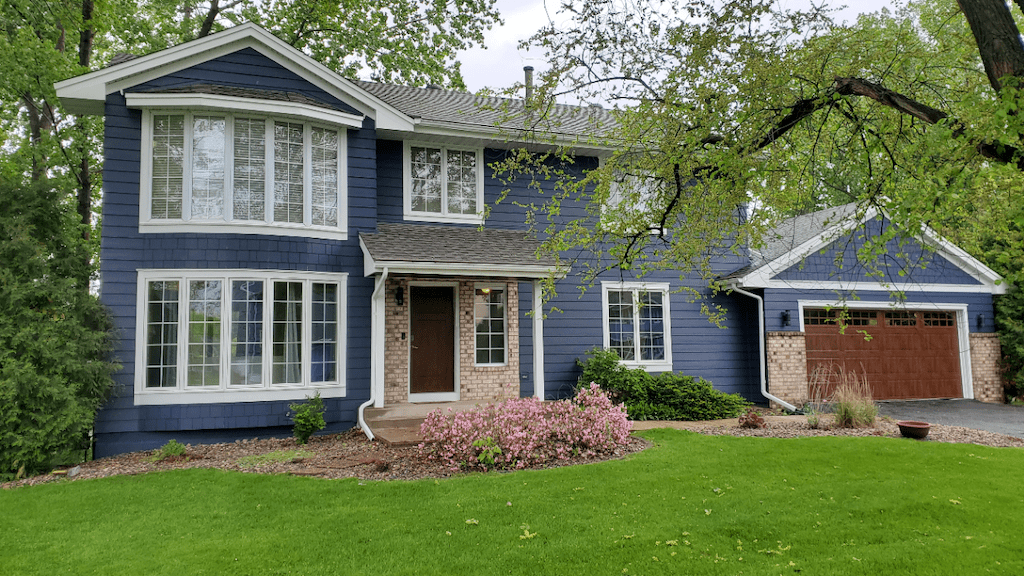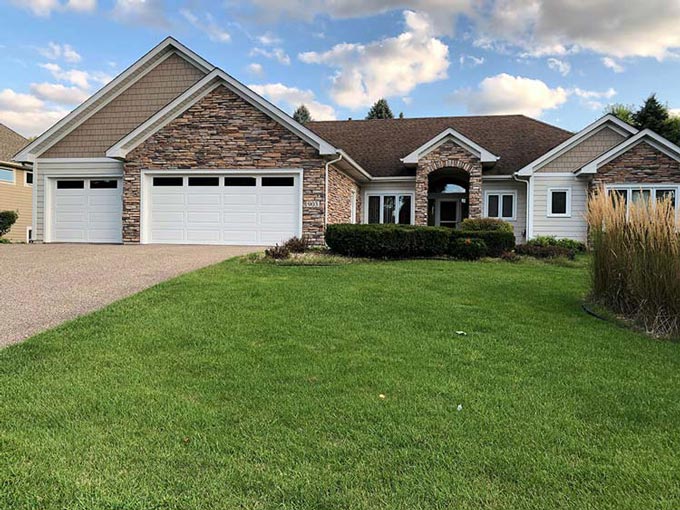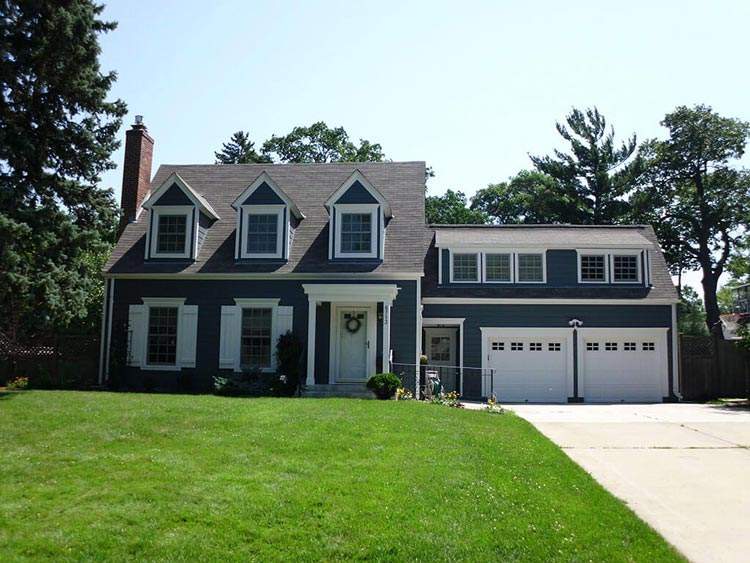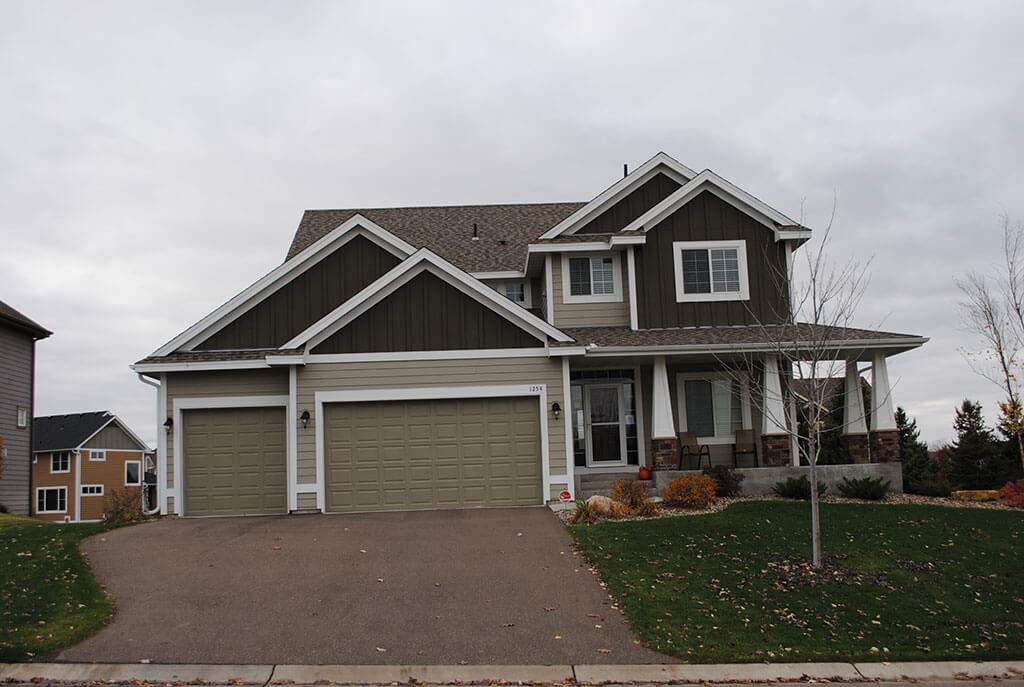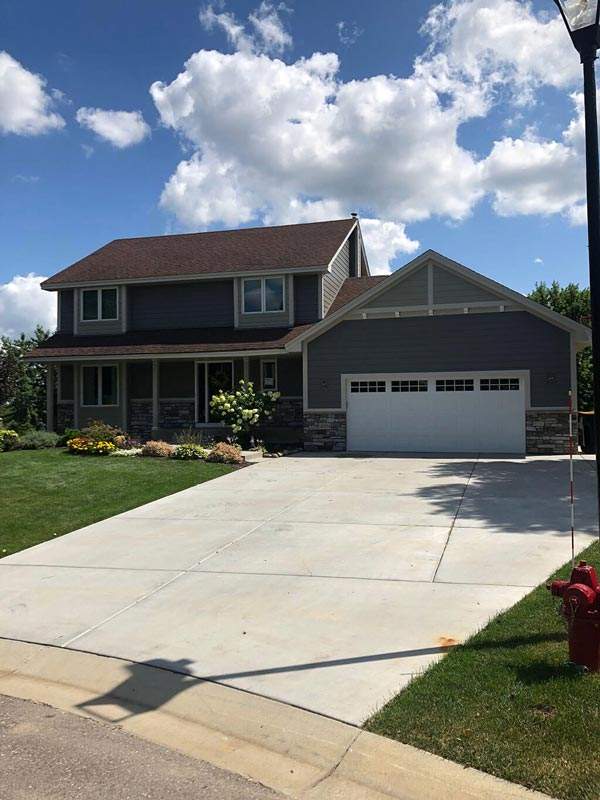
Choosing your siding color by yourself used to be a trial-and-error process, involving comparing color swatches and a lot of sketching on paper. For those who have insufficient resources or ability to do this, you can hire design professionals. Better yet, you can use the James Hardie® Home Color Tool, a free online visualizer that lets you mix and match siding and trim colors in the comfort of your own home, in your own time.
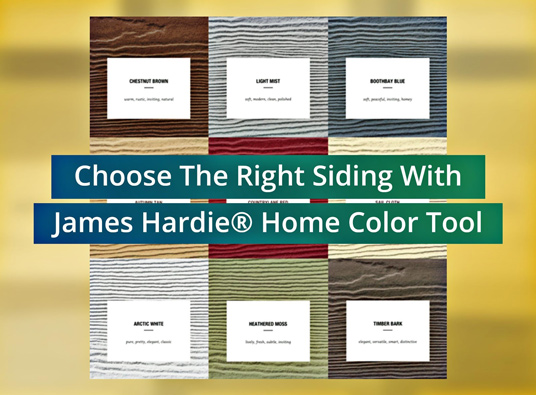
We discuss how it works.
Step 1: Enter Your Zip Code – Upon visiting the visualization tool using a compatible browser, you will be asked to enter your zip code. This helps select the locally available color palettes. Upon entering your zip code and clicking on “Build a Color Palette”, you can scroll down to continue. We recommend signing up for a free James Hardie My Idea Center account before proceeding so you can save your designs later.
Step 2: Choose the Dominant Color – The siding color will be the dominant color as it occupies most of the exterior wall area. If you already have a specific color in mind, simply choose it from the color selection. At this stage, you do not need to commit to your choices as you will be able to change this later. Once you made your choice, click on “Next Step” at the bottom right-hand corner.
Step 3: Choose a Home Style – Choose an architectural style that looks closest to your home. Every style has the option for lap or shingle style siding, both of which are offered by James Hardie, along with other fiber cement siding style options.
Step 4: Choose an Accent Color – At this point, you can choose your palette’s secondary color, typically used on trim. If your first choice does not work, simply pick another one. Or, you can also change the dominant color using the “Accents For” drop-down menu. Alternatively, click “Back” at the bottom left to go back to the previous steps. You can also try our expertly-curated color palettes under “Custom Palettes”.
Step 5: Save And Share – Once you have come up with one or more color combinations, you can save it into your My Idea Center account for later reference. You can also share it via Facebook, send it via email, or get a quote from the nearest James Hardie contractor, like us.
To know more about James Hardie siding products, call Twin Cities Siding & Roofing today at (651) 571-9557, or fill out our contact form to schedule a free in-home estimate. We serve St. Paul and nearby areas.